Inside the platform
A production line does not stop when a shift ends, so the morning worker waits for their colleague before leaving, and that handover between shifts is the heart of attendance in a factory, with every minute of it showing in production cost. A factory has three challenges: crews that rotate between shifts, many people at one gate within minutes, and overtime that follows urgent orders rather than a schedule. So TAC HR gathers device and phone punches in one record, counts everything on the worker's shift, and leaves the manager to review attendance before payroll is built. This page explains how that runs in a factory with several crews, and what stays outside the system.
01
Three shifts for three crews
Shifts are defined centrally as cards with start and end times, a lateness grace, an early-leave grace and days off, and a worker's shift is chosen from them only, so there are no custom times for an individual worker. A whole crew is assigned to its shift by bulk assignment, and a change to a shift's times is scheduled with an effective date, applied automatically when it arrives and kept as a record that is never deleted. Someone who wants to move to another shift raises a work-time change request through an approval route. The net week for such a shift: six days between 06:00 and 14:00 with a 30-minute break give 450 minutes a day and 2,700 minutes a week, which is 45 hours, within the weekly limit of 48 hours in Article 98.
02
A gate with a device and a phone
A ZKTeco device sends attendance lines to the system live, and the system checks the device key and the sending address, then reads the worker's number on the device, the date and the time. The device number is tied to the worker: a match on the ID or iqama number is a firm link, and a match on name is a suggestion that does not become attendance until a person confirms it. A punch whose number is unknown is kept and applied as soon as it is linked. Whatever cannot be used, from missing fields to a date that does not exist or a time outside the time zone, is kept as it arrived with its reason in a rejected log. A device punch enters the attendance record that phone punches enter, so lateness is counted on both together, and someone working between two buildings can have a punch place covering both.
03
The review before payroll
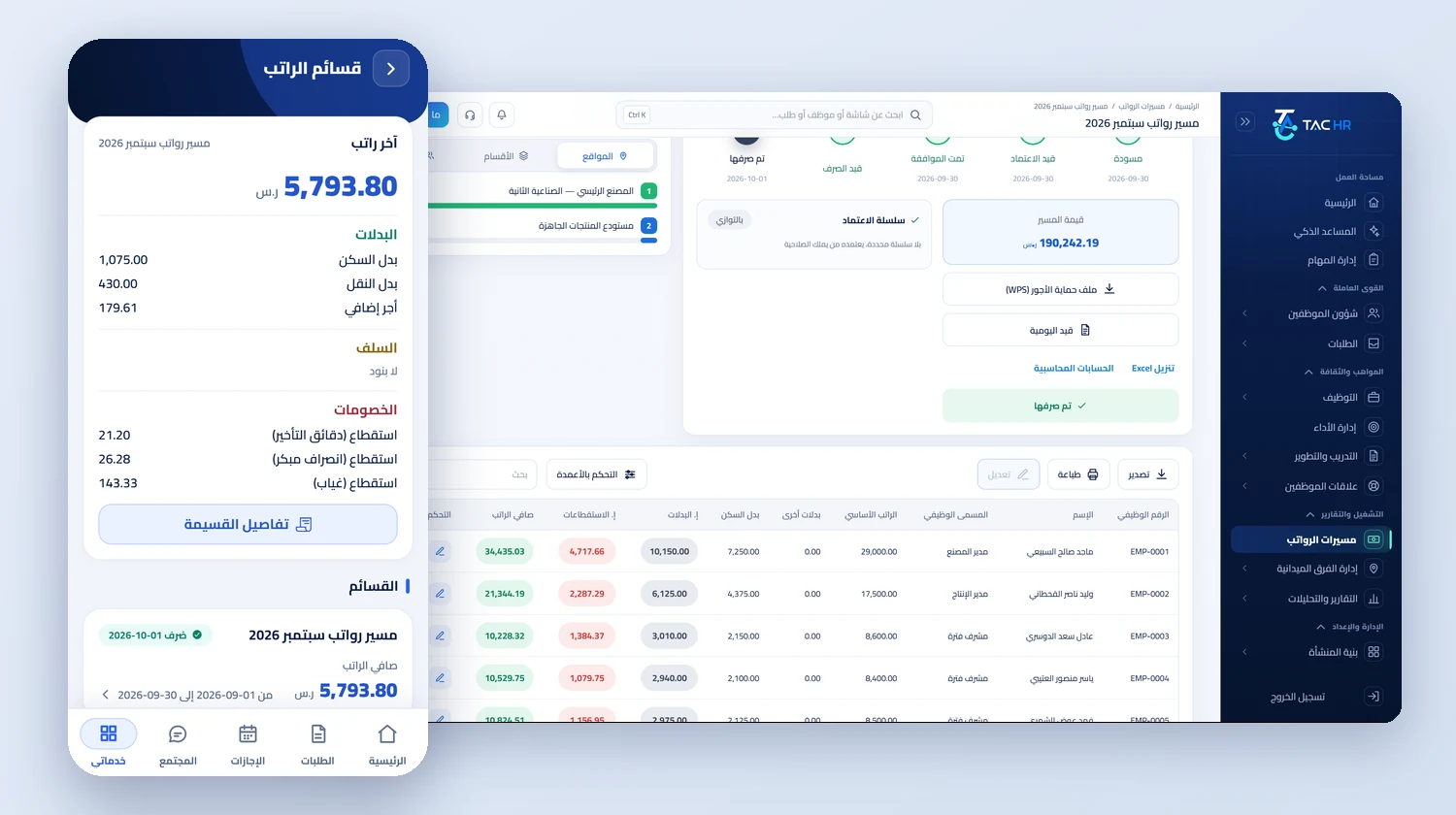
Before month end the manager sees in the detailed sheet each worker's check-in and check-out, lateness, early leave and overtime in minutes, and corrects what is needed with a dedicated correction permission, and each change is recorded with what it was before and after and who made it. A period that has entered payment is locked, so there is no direct edit in it. A worker raises a late removal or forgotten punch request, and it goes through the approval route. Rejected punches, for going outside the boundary or failing the device check, are seen by admins on the web with their reason and distance.
04
Overtime and lateness
The overtime source is an explicit setting: approved assignments only is the default, so extending a shift for an urgent order needs an approved overtime request whose minutes are written to the attendance day, or the attendance log option pays everything beyond the shift's end. The overtime basis is a setting too: basic, gross, or components you choose. On gross pay a worker on a SAR 4,000 basic and SAR 1,000 allowances has an hourly rate of SAR 20.83 plus half the basic hourly rate of SAR 8.33, so ten hours come to SAR 291.67 with the formula on the payslip. Lateness is deducted by the minute from the basic by default: a worker on a SAR 3,000 basic who arrives at 06:24 for a shift starting at 06:00 loses SAR 5.00.
05
The run and the wage file
The run draft is created automatically on a day the company sets each month. It reads each worker's attendance, lateness, overtime and approved requests and writes every line with its formula. For a resident worker the employer carries occupational hazards alone, at 2% of the contributory wage, and nothing is withheld from the worker. Before export the wage file page checks IBANs, IDs and the company number and blocks the file on an error, and alongside it come a journal entry with your account codes, a payroll cost report by department or branch that spreads cost across production lines if you defined them as departments, and a payslip on every worker's phone when the run is paid.