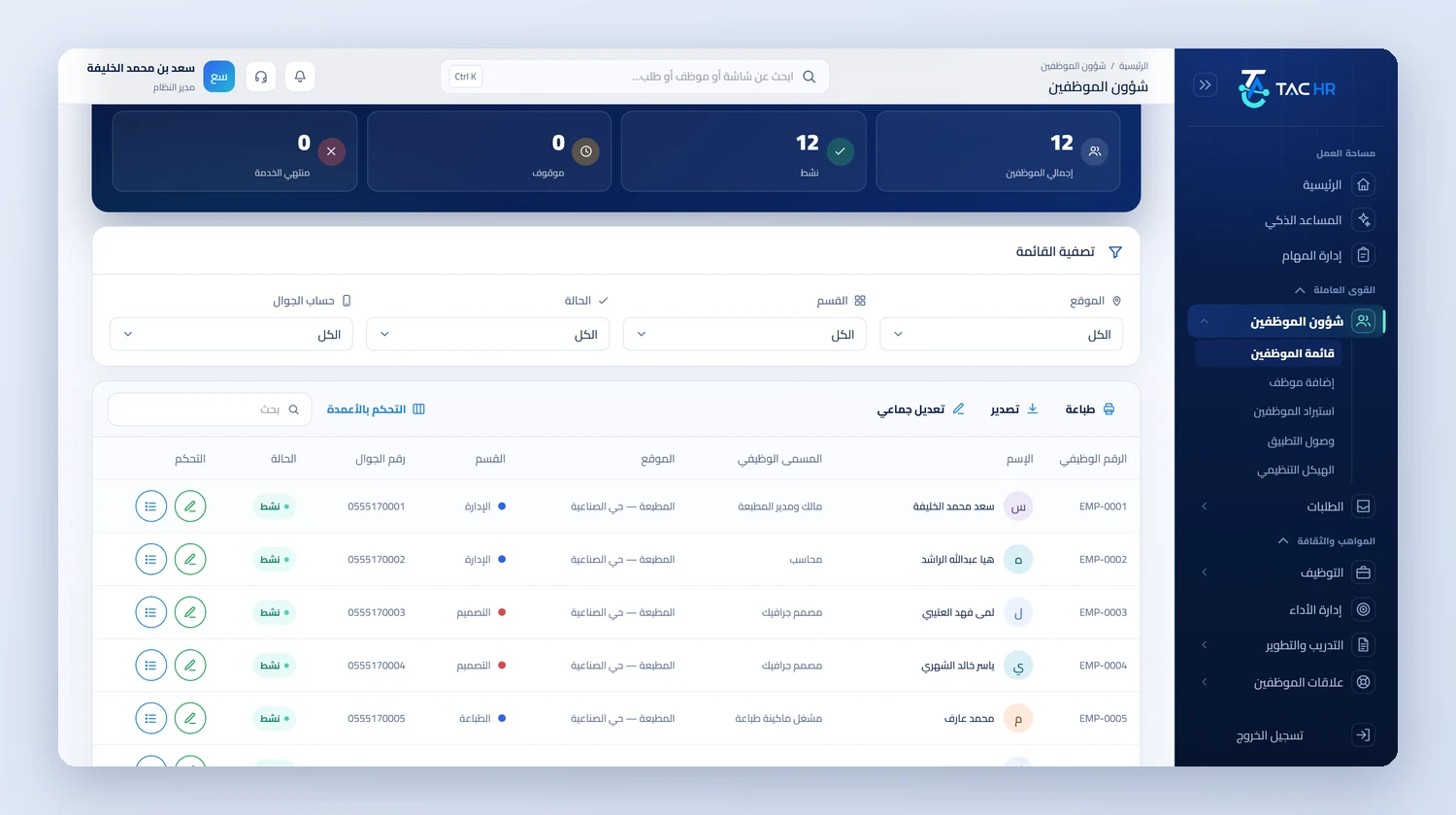
Inside the platform
A small business has no systems team and wants no project that takes months before it works. So TAC HR starts from the smallest thing that is needed: attendance from the employee's phone inside the work location's boundary, then you add what you need when you need it. This page explains what you do in your first week, what you add after it, how the subscription is counted and what the system does not do, so before you start you know the real amount of work and what you will find ready from day one.
01
Attendance first, and no device
Attendance is the mandatory service in every subscription, and you start from it. The employee punches from their phone with a press and hold inside the work location's boundary, the system checks their location and rejects a punch outside the places allowed for them with a message naming the nearest allowed site and the distance. The app inspects the phone and rejects spoofed locations, emulators and modified devices. The employee's account links to their device at first sign-in, and if they sign in from another phone the sign-in is blocked and a device change request goes to management, so nobody punches for a colleague. You do not need a fingerprint device, and if you prefer one at the door you connect a ZKTeco device with a private key.
02
Your first week
You draw the work location on the map as a circle or a polygon, and each location has a name and a city. Then you add your staff one by one or import them from an Excel or text table file, and the import has two steps: a check that shows a preview and writes nothing, then a confirmation that writes, with each row's error shown at its line so a bad row does not sink the whole file. You define the shift with a start and end time, a lateness grace, an early-leave grace and days off, and assign it to staff so lateness is counted on each one's shift. When app accounts are created from the employee files, each employee is told their password. The next day you open the daily attendance report.
03
What you add as the business grows
Requests: the employee raises leave, permission, a loan or a letter from their phone, sees their leave balance before sending, chats with you in the request with an attachment, and you or whoever you choose approves, and you raise the request on their behalf if they could not. Payroll: the month's draft is created automatically on a day you set, reading attendance, leave and loans and writing every line with its formula, GOSI is worked out under the employee's system, the system checks IBANs and IDs before the wage protection file, and the payslip reaches the employee's phone at payment. Archiving: the employee's ID, iqama and contract in their file, with an alert 60, 30 and 7 days before expiry.
04
Each service on its own, priced by headcount
The eight services are switched on one by one, and only attendance is mandatory. What you have not switched on does not show its screen in your staff's app, so they see only what you subscribed to. The price is per employee per month by the services switched on and is paid yearly, so the system multiplies the headcount by the sum of the monthly price by twelve and then adds VAT. The services' prices are shown by the pricing page straight from the owner's panel, with a calculator where you enter your headcount and services and see the total before you register, so we do not write a figure here that could change. Rep seats for sales reps come with the same subscription if you need them.
05
What you do not need
You do not need a system installed inside the company, or a fingerprint device, or a systems specialist: the app is on the employee's phone and management is from a web browser. Whoever holds the full permission runs every screen themselves, and if the company grows you add users with permissions scoped by branch and department. The site has free calculators for overtime, end of service and annual leave, so you can try your own figures before subscribing. And if your team works on Excel sheets today, importing staff saves you re-keying, and requests and payroll are the first things to move after attendance settles.